Customer registration
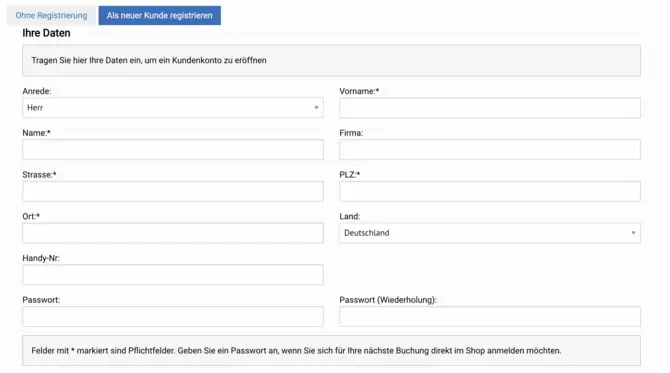
When you register as a new customer in our online store, a customer account is automatically created for you. A customer account is also created when a customer is created in the backend. The customer account is always assigned via the e-mail address.
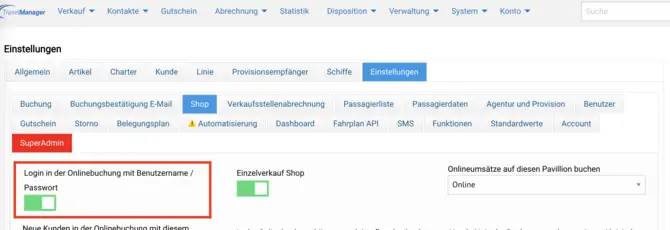
If you buy something for the second time as a created customer, you will be asked for either your customer number or your password. The customer number is used by default. If you want to use the login option with password, you can activate this in your backend under System parameters > Settings > Shop.
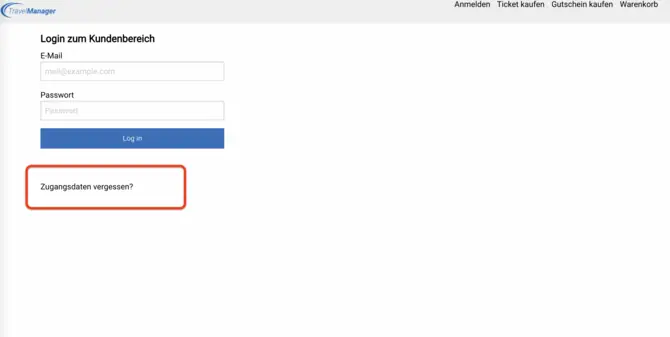
If you have forgotten your password or do not yet have a password because you were created via the backend, you can request a new password. To do this, go to the login page of your online store.
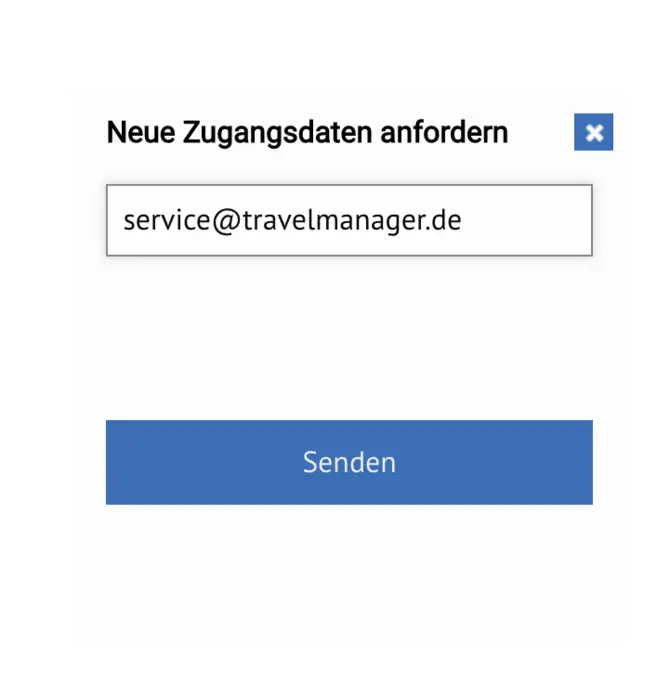
You can request your access data on the login page. All you need is the e-mail address stored in your customer account. Click on "Send " to receive your new password by e-mail.
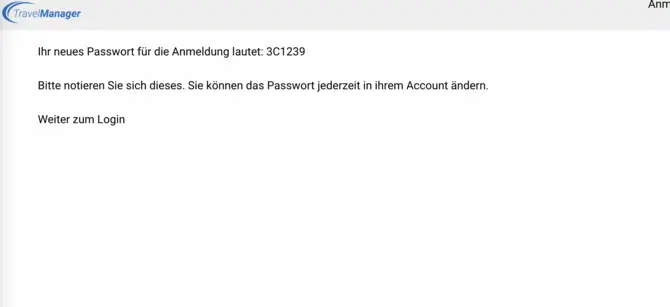
In the email you receive, you will find a link that will take you directly to the Online Booking, where your new password will be displayed. You can then log in with your e-mail address and this password.
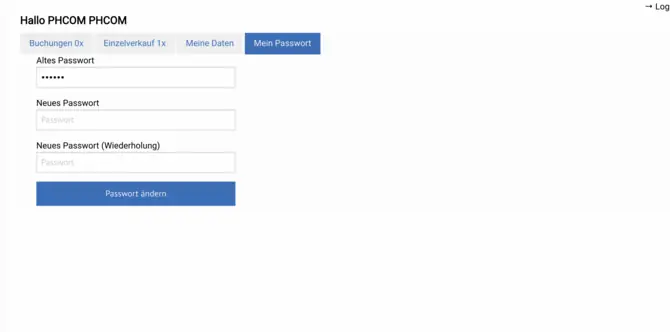
You have the option of changing your password in the customer area. Enter the password from the e-mail in the "Old password " field if you have not yet assigned a different password.